

Tinkering Lab
3D Printer
Robotics Kit
IoT Kit
AI Kit
The Tinkering Lab equips students in grades 6 - 12 with hands-on design, fabrication, electronics and coding skills through guided workbench stations, prototyping equipment and a structured robotics-to-AI learning progression - all mapped to PM SHRI and NEP 2020 experiential-learning requirements.
Equipment overview
Three modules covering the full tinkering skillset
Fundamentals workbench
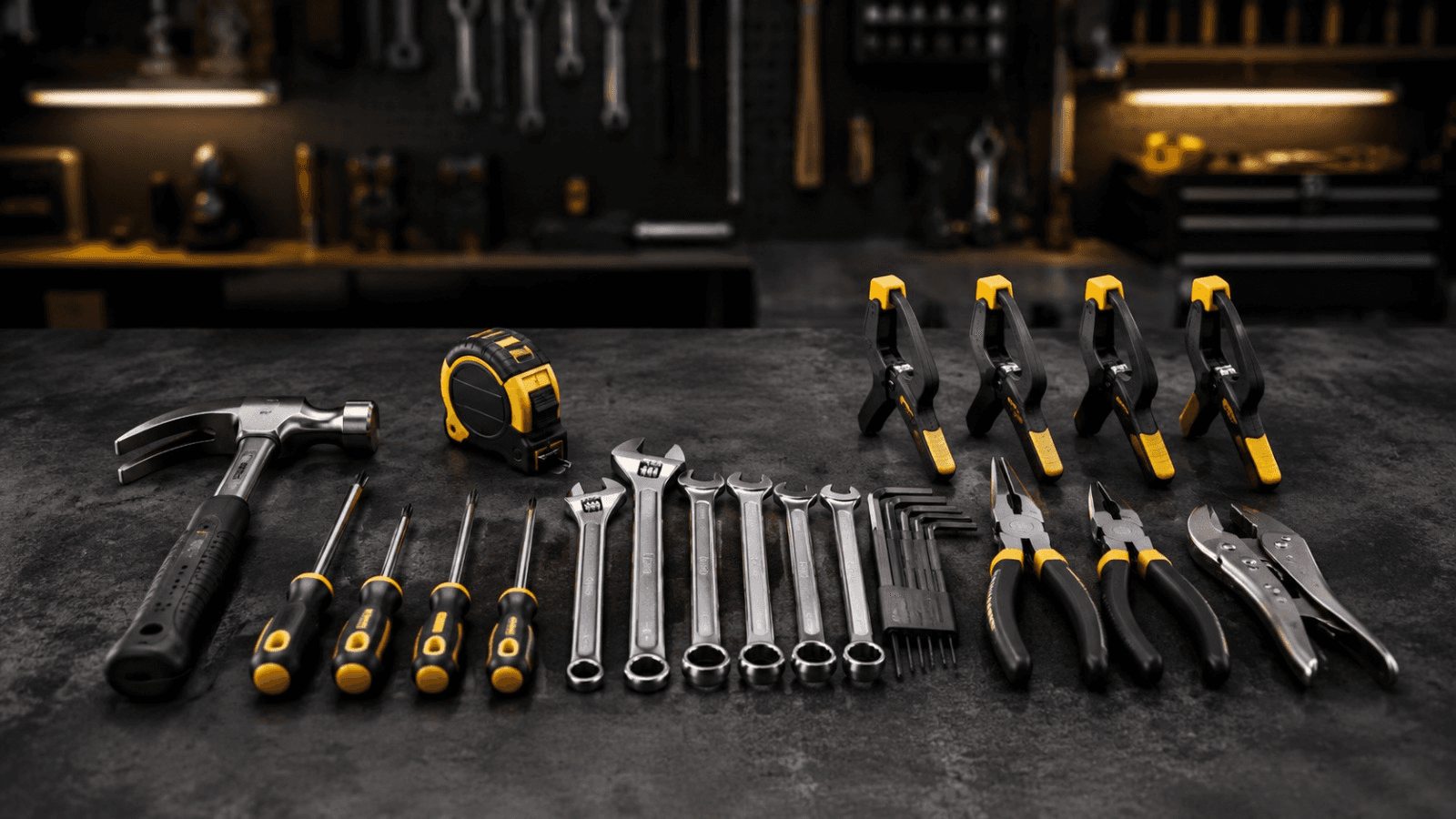
Hand tools
Screwdriver set (5), pliers (5), wire cutter (5), soldering iron (5), glue gun (5), scissors (10)
Electronics kit
Multimeter (5), breadboards (10), resistor/capacitor assortment, LEDs & switches (25 each), DC motors (10), jumper wires
Mechanical kit
Gears, pulleys, chassis kits, fasteners & nuts assortment, wheels (10 sets)
Craft & prototyping tools
Cardboard, foam board, acrylic sheets, cutting mats, hot glue sticks
Fabrication & prototyping stations
3D printing station
FDM printer with enclosure, PLA filament spools, print-bed levelling and finishing tools.
Laser cutting station
Enclosed cutting bed, design software licence, and sample acrylic/ply sheets for practice cuts.
Electronics prototyping bench
Soldering station, basic oscilloscope, regulated power supply, and labelled component storage.
Robotics assembly bench
Chassis vices, driver boards, battery charging dock, and cable management for build sessions.
Coding, circuits & robotics - A learning progression
Basic electronic kit
Multimeter, resistors, LEDs, capacitors, switches, motors, breadboard.
Electronics for fun & creativity
Breadboard projects with sensors, timers, displays and control logic.
Sensor-based interactive projects
Arduino Nano with ultrasonic, PIR, moisture and RFID sensors.
IoT-based projects
Network-capable microcontrollers, sensors, simple cloud data visualization.
Pre-planned navigated vehicle
Path-following robot built with sensors and motor drivers.
Introduction to drones
Flight controller, motors, propellers, ESCs, GPS, telemetry.
AI & machine learning kit
Vision and speech recognition projects on edge-AI boards.
Training roadmap
How the curriculum progresses over the school year
1
Months 1 - 3
Maker foundations
2
Months 3 - 6
Electronics integration
3
Months 6+
Advanced projects
Equipment packages
Click any package for the full item list
P 1
Basic hand tools
Essential hand tools for mechanical work and prototyping.
8 items
View Details
Request Quote
P 2
Basic hand tools
Essential hand tools for mechanical work and prototyping.
8 items
View Details
Request Quote
P 3
Basic hand tools
Essential hand tools for mechanical work and prototyping.
8 items
View Details
Request Quote
P 4
Basic hand tools
Essential hand tools for mechanical work and prototyping.
8 items
View Details
Request Quote
Key learnings
Design thinking
Empathize, ideate, prototype
Fabrication skills
3D printing, laser cutting
Electronics & IoT
Breadboard to network-connected
Robotics & automation
Sensors, motors, control logic
Coding & AI
Block to text-based programming
Innovation exposure
Patents, startups, real-world problems
Why schools should build it
Fulfils NEP 2020’s experiential and innovation-based learning mandate directly
Builds genuine design and fabrication skills, not just theory
Covers the widest STEM skillset of any lab on the site
Prepares students for the ATL Marathon, innovation challenges, and STEM careers
Frequently Asked Questions
What is a Tinkering Lab?
A dedicated, equipped space where students design, prototype and build using hand tools, electronics, 3D printing and coding - turning ideas into working models.
Who funds and monitors the lab?
Setup is funded through the school’s grant allocation and procured via GeM; usage and outcomes are tracked by the nominated in-charge teacher each term.
What is the minimum space and infrastructure required?
A dedicated room of 1200 - 1500 sq ft with stable power points, internet connectivity and workbench seating for at least one class section.
Is it aligned with PM SHRI and NEP norms?
Yes - the equipment list, curriculum progression and space guidelines are mapped directly to PM SHRI infrastructure norms and NEP 2020’s experiential and innovation-based learning mandate.



Copyright © 2026 First Step Innovation